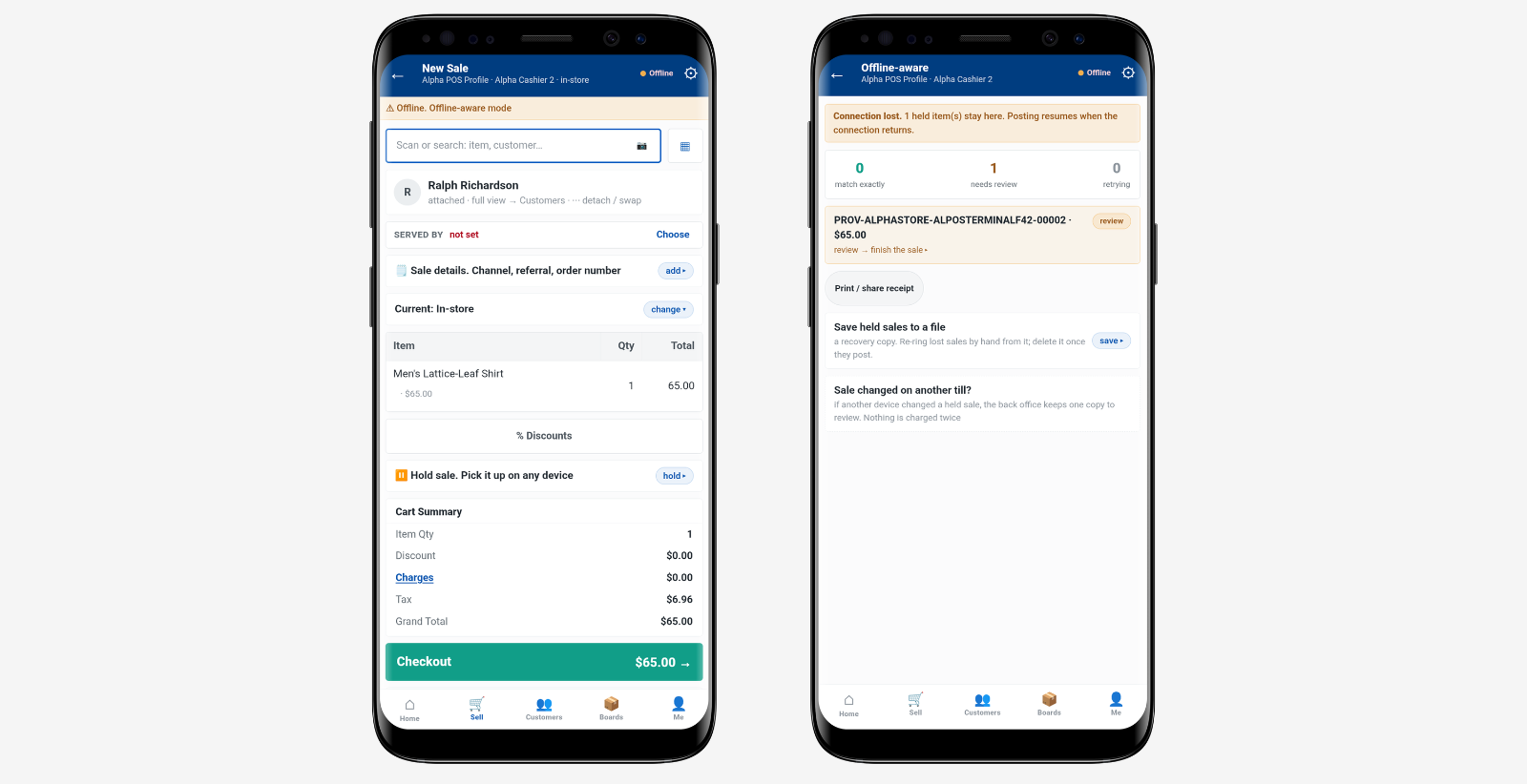
A refrigerator is sold in Store A on Tuesday. Payment is complete, but retail operations still has work to do.
The unit may be sitting in a regional warehouse. Delivery is booked for Friday. Installation has been added, and the old appliance needs to be taken away.
In appliance retail, checkout closes the sale. It does not close the order.
For a multi-store chain, the real work now moves across store operations, the warehouse or distribution centre, delivery, installation and after-sales support. Each team needs to see the same order and the same promise made in store.
Checkout Is Only the First Handoff
With smaller products, payment and handover often happen together. Large appliances follow a different flow.
The store confirms the sale. Retail ops needs to know where the unit will be fulfilled from. The warehouse needs the right order details. Delivery teams need the agreed date and address. If installation or haul-away has been sold, those services need to stay attached to the order.
That sounds straightforward, but the gaps usually appear between teams.
A store may show the transaction as complete while the fulfilment team is still waiting for the order. A delivery date may change in one system but not another. An installation request can be missed if it sits in notes rather than the order itself.
Connected electronics retail software helps keep the sale, fulfilment method and service details together as the order moves beyond the store.
Delivery Is Part of Retail Operations
For large appliances, delivery is not a separate back-office task. It is part of the retail experience.
Ryder’s 2025 consumer study on big and bulky delivery found that 96% of consumers who had a positive delivery experience said they were more likely to shop with that retailer again. More than 70% were also willing to pay for premium services such as installation, setup and haul-away.
That puts delivery firmly within the view of retail ops.
If Friday delivery and installation were agreed in store, the order should carry those details through to the final handoff. Store teams should also be able to see whether the order is booked, dispatched, delivered or still waiting for a service to be completed.
For a multi-store chain, this matters even more when different regions use different warehouses, carriers or installation partners.
One Order Moves Across Several Teams
An appliance order can pass through the sales floor, store operations, a warehouse, a delivery team, an installer and the service desk.
The order should not change meaning as it moves.
The product, delivery address, promised date, contact details and service requirements should remain visible to every team that needs them. If something changes, the latest update should become the one everyone works from.
This is where multi-store operations can become fragile. The individual teams may each be doing their job, but the handoff between them can still fail.
A warehouse can prepare the correct model but work from an old delivery date. A delivery team can arrive without the installation instruction. A store can agree an exchange without the service team seeing the update.
Retail operations needs one current order view, not several versions of the same order.
Installation Changes When the Order Is Complete

Delivery and completion are not always the same thing.
A washing machine may need connection. A television may include mounting. A refrigerator may need placement and removal of the old unit.
If these services were part of the sale, the order should remain open until they are finished.
That distinction matters operationally. A “delivered” status tells retail ops that the product reached the address. It does not necessarily tell them that the full order was completed.
The same principle sits behind unified commerce. The shopper sees one retailer, even when several stores, systems and service teams are involved behind the scenes.
Exceptions Show Whether the Process Is Really Connected
The normal order flow is easy to manage when nothing changes. Retail operations is tested by the exceptions.
A delivery is moved to another day. Access to the building is not possible. A unit arrives damaged. Installation cannot be completed. A replacement model is agreed.
At that point, teams need more than a status. They need the next action.
A rescheduled delivery should update the date seen by the store and delivery team. A replacement should update the product attached to the order. A failed installation should leave the job open rather than make the order look finished.
For multi-store appliance retailers, exception handling is where a shared order view becomes most useful. Store ops can see what happened, the fulfilment team can see what has changed, and the service desk can see what still needs to be resolved.
The Exact Unit Matters for After-Sales
For many appliances, the exact physical unit matters after delivery.
A serial number can identify the unit that was delivered, returned, exchanged or sent for service. The order record answers a different question: what was sold, where it was meant to go and what services were promised.
Our earlier article on electronics serial tracking looks more closely at how an individual unit can be followed through receiving, transfer, sale and return.
For retail ops, both records are useful. The order keeps the fulfilment history clear. Serial tracking keeps the unit history clear.
Retail Ops Needs Visibility Until the Order Is Done
For a multi-store appliance chain, visibility should not end when the till transaction is completed.
Store teams need to know what was sold. The warehouse needs to know what to prepare. Delivery teams need the latest date and address. Service teams need to know what work is still open.
A good fulfilment flow keeps those steps connected until there is nothing left to deliver, install, replace or resolve.
That is the practical difference between recording a sale and managing an order.
Checkout completes the payment. Retail operations completes the promise.