
Retail loyalty software for every till
Part of iVendNext POS, the selling app of iVendNext, the open retail platform.
Retail loyalty software and promotions that work the same at every till. Customers earn and redeem points, members move up tiers, and promotions and coupons are priced once and applied on a counter till, a tablet and a phone alike. The cashier sees the customer at the sale, and the loyalty or marketing platform you already use can connect to it.

POS with customer loyalty built in
Every till in every store reads the same balance, so a member is the same member in every store.
Earn and redeem at the till
Customers earn points on what they buy and spend them at the till. The cashier enters an amount and the till works out the points, so the points shown are the points spent.
Tiers, conversion and expiry
Run one tier or several, set how many points make one unit of money and when points expire. A tier can also cap how much a member spends on one sale.
Your own plans and cash back
Run your own plans with cash back instead of points. Each member moves to the plan their spend reaches, and a till key shows the cashier the member's plan and what reaches the next one.
The right member at the till
Ask for a one-time code texted to the customer's phone before their points, credit or account are used, for the customer groups you choose.
One retail promotion engine for every till
Set a promotion once in iVendNext Desk, the back office, and every till applies it the same way. The phone calls the same engine that prices the counter till, so an offer behaves the same on the floor as at the counter.
- Buy one, get one; buy X, get Y; a percentage or an amount off; a fixed price for a set; offers on the whole basket.
- Set each offer for the stores, customer groups and dates you choose, with volume rules and exclusions.
- Limit an offer to once per customer or a number of times per store, counted across every till together.
- Automatic promotions keep applying when the network drops, from the offers the till has loaded; an offer with a usage limit waits for the connection.
- A discount beyond a cashier's limit goes to a manager, who approves it on their own phone.
- A staff rate with a monthly allowance, and item groups you keep out of it.
Retail pricing and promotions software that works the same on the counter till, the tablet and the phone.


Coupons, gift cards and campaigns
Retail promotions management software for the offers that bring a customer back.
Coupons
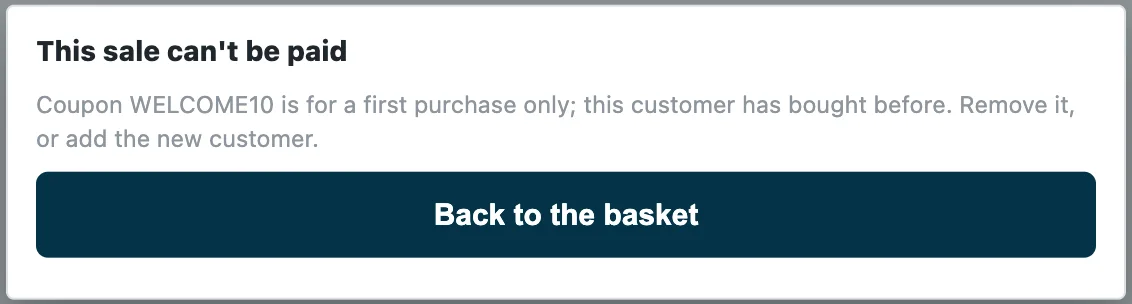
Scan or type a coupon or a voucher serial. A sale can carry several coupons, and a promotion can issue numbered coupons whose use is tracked store by store. Your own rules, such as first purchase only, are checked when the cashier presses Pay.
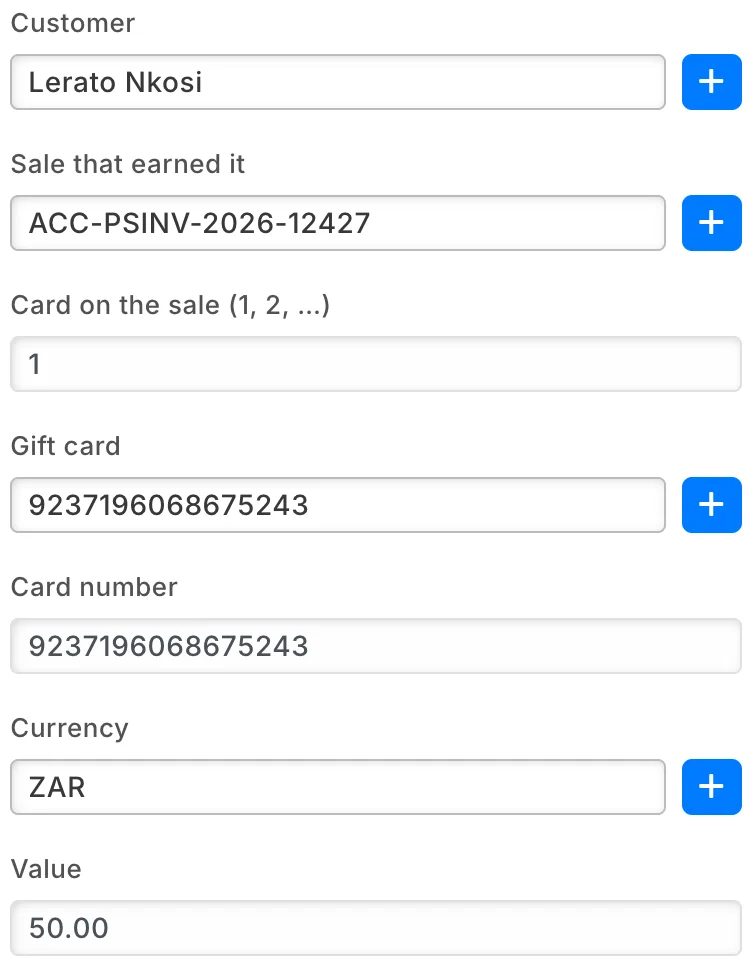
Gift card on spend
A sale over your threshold earns the customer your own gift card, spendable after a hold you set. A cancelled sale, or a return that takes the spend below the threshold, voids the cards it no longer earns.
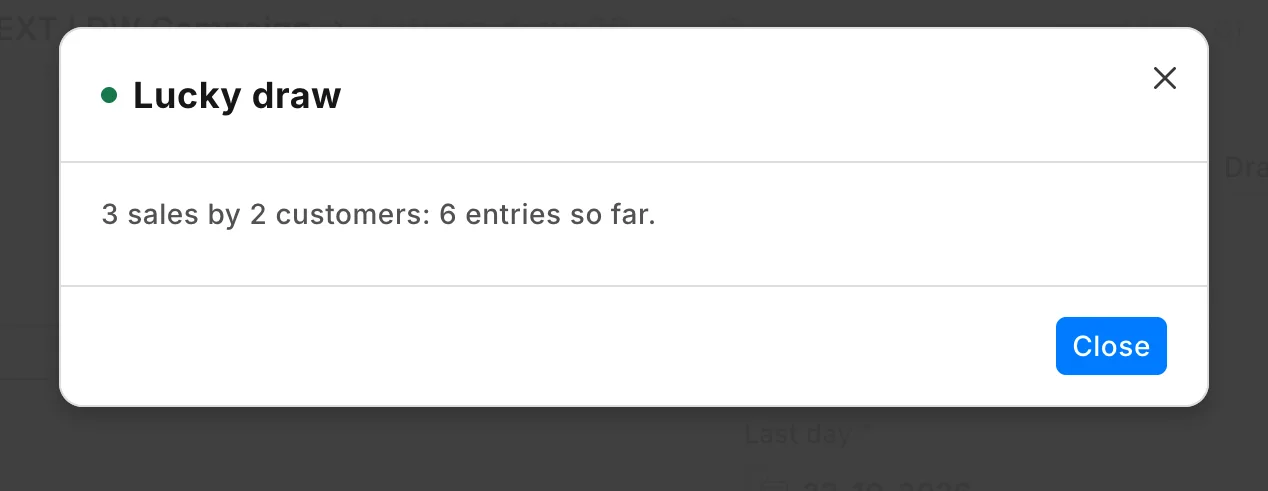
Lucky draw
A spend-and-win campaign: every amount spent at your tills is one entry. Count entries at any time, then draw the winners and reserves fairly, one prize per customer, after the last day.
Points that keep the books straight
Points and cash back are money you owe your customers, so iVendNext keeps them in a ledger and posts them to the accounts you choose.
- A return takes back the points or cash back its sale earned.
- Cash back can wait out your return window before it is credited.
- Every redemption is checked against the member's live balance at the moment of payment.
Loyalty and promotion apps in the App library
Add the parts your stores need. Your partner or your own developers can copy the apps built with the partner kit and change them to fit.
- iVendNext LoyaltyPoints earned on purchases and redeemed at the till.
- Customer-owned loyaltyYour own plans, tiers and cash-back rules.
- Coupon rulesFirst purchase only, or one customer group, checked at Pay.
- Gift card on spendA big spend earns your own gift card.
- Lucky drawSpend-and-win campaigns, drawn fairly.
- Customer code checkA texted code before points or credit are used.
- Post-sale feedbackAsk each customer how their visit was.
Keep the systems you already run
Your ERP keeps the books and iVendNext runs the stores. Customers, sales and payments from every till go to SAP Business One, SAP S/4HANA, Acumatica, NetSuite, Sage X3 and many others, and to web stores such as WooCommerce.
Any other system connects too: a loyalty or CRM platform, a marketing tool, a customer app. It links through the REST API or the event feed, or your iVendNext partner builds the connection with the partner kit.
Retail loyalty software questions
What is retail loyalty software?
Retail loyalty software rewards customers for coming back: it keeps each member's points or cash back, and members spend their points at the till. In iVendNext it runs inside iVendNext POS, so every till in every store sees the same balance.
Which platform keeps loyalty balances right across stores in real time?
iVendNext keeps one balance for each member and every till reads it at the moment of payment. Each redemption is checked against that live balance, so every store sees what the member has left.
Can I run an offer for one store or for all of them?
Yes. Each promotion is set for the stores, customer groups and dates you choose, and its usage limits count across every till together.
Can I keep the loyalty platform I already use?
Yes. A loyalty, CRM or marketing platform connects to iVendNext through the REST API or the event feed, and your partner can build the link with the partner kit. The cashier still sees the customer at the sale.
Do promotions still work when the network drops?
Yes. Automatic promotions keep applying from the offers the till has loaded. Offers with a usage limit, coupons and point redemptions wait for the connection, because they are checked against the live record.
Who sets it up, and what does it cost to start?
An iVendNext partner near you, or your own team, sets up the plans and promotions in iVendNext Desk without code. Talk to us for the cost: we price it for your stores after a demo.
See loyalty and promotions on your own stores
We will show you a member earning and spending at the till, an offer priced the same on every device, and the partner who can set it up near you.
Building retail solutions? Talk to our partner team.
