
Add what your stores need, one app at a time.
These apps from the App library answer the needs of fashion and footwear stores. They are made by iVendNext and its partners, and open for your partner or your own developers to copy and extend. Most are free; some are installed with a key from iVendNext or your partner. Each one has its own set-up guide.
In the App library
Web orders, collected in store
Click and collect
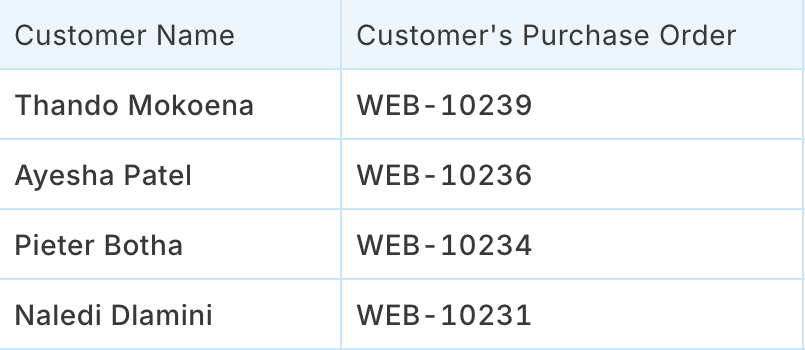
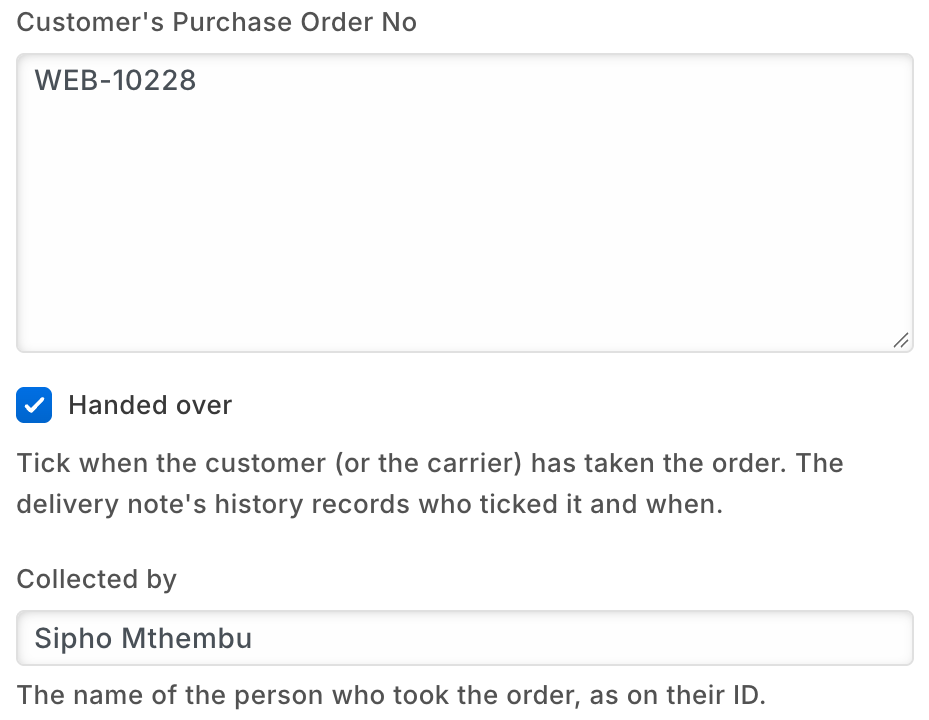
The web orders a store must pick and hand over, on one board in the back office.
- Web orders still to pick, filtered to your store.
- Orders waiting for collection, in one saved list.
- On each order, who collected it and when, kept in its history.
Nothing leaves your shop: no outside service.
WooCommerce web shop
Your WooCommerce shop, kept in step with your stores.
- Products and every variant, with pictures, prices and tax rates, go to your web shop.
- Stock for the warehouses you choose goes every five minutes, and the figures are checked every hour.
- Paid orders, payments and refunds come back to iVendNext, and shoppers can collect a web order in one of your stores.
It sends your catalogue, prices and stock to your own WooCommerce store, and reads its orders back. Every record that crosses shows in iVendNext.
WhatsApp messages
Tell customers their order is confirmed, send the receipt, run a campaign.
- Messages go out when a sale or an order is saved, using the templates you choose.
- Campaigns to a list of customers, with templates approved by Meta.
- Customer replies are kept in iVendNext.
Uses your own WhatsApp Business account; messages go through WhatsApp.
Bring customers back for the next season
Coupon rules
Rules your coupons cannot hold on their own, checked when the cashier presses Pay.
- First purchase only: a welcome coupon is refused for a customer who has bought before.
- Only for one customer group, such as your members.
- The cashier sees why a coupon is refused, removes it and carries on.
At Pay the sale is checked by a service hosted by CitiXsys, the company behind iVendNext. It reads your rules and writes nothing.
iVendNext Loyalty
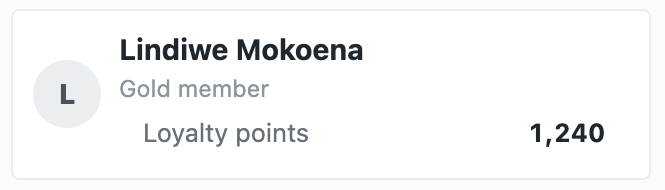
Customers earn points on what they buy and spend them at the till.
- Each member is one of your customers, enrolled in a loyalty plan with its levels.
- Points build up from purchases or visits, by rules you set per store.
- The cashier sees the customer's balance during the sale.
Kept in your own iVendNext.
Customer-owned loyalty
Your own loyalty program, with your own tiers and cash back.
- New customers join your first plan; each day a member moves to the plan their spend reaches.
- A sale earns cash back, held for your return window, then credited. A return takes back its share.
- A till key shows the customer's plan, their cash back and what reaches the next plan.
Members, plans and cash back are kept in your iVendNext. A service hosted by CitiXsys, the company behind iVendNext, reads new customers and sales to work out the cash back; each press of the till key sends the sale, the cashier's email and the customer's name.
Gift card on spend
Reward a big spend with your own gift card, for the customer's next visit.
- A sale that reaches your threshold earns a gift card of the value you set.
- The card can be spent once its hold has passed, 24 hours unless you change it.
- A cancelled sale, or a return that takes the spend below the threshold, voids the cards it no longer earns.
A service hosted by CitiXsys reads your sales, returns and customers and writes the gift cards.
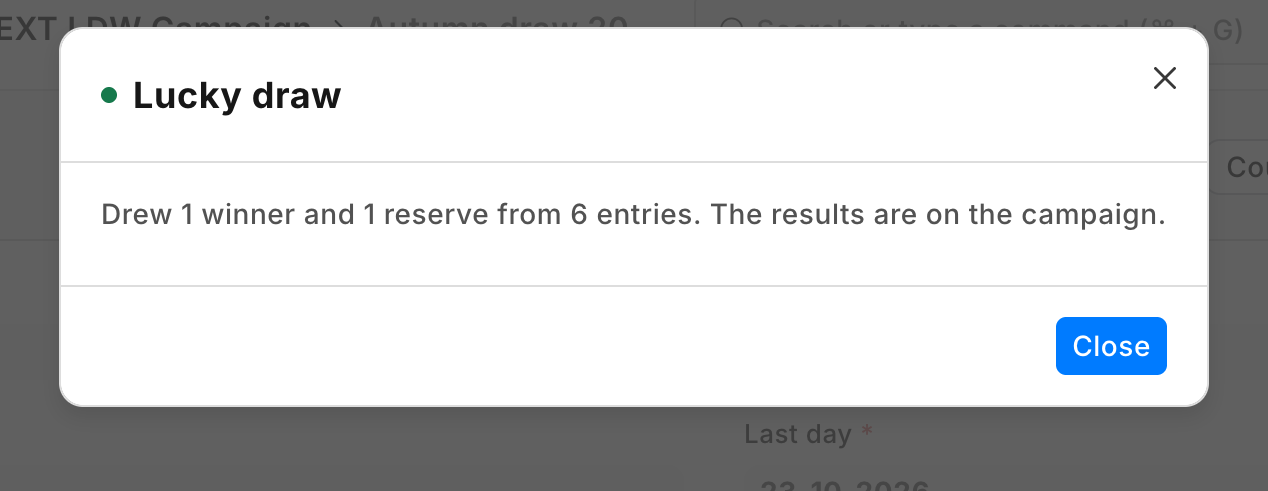
Lucky draw
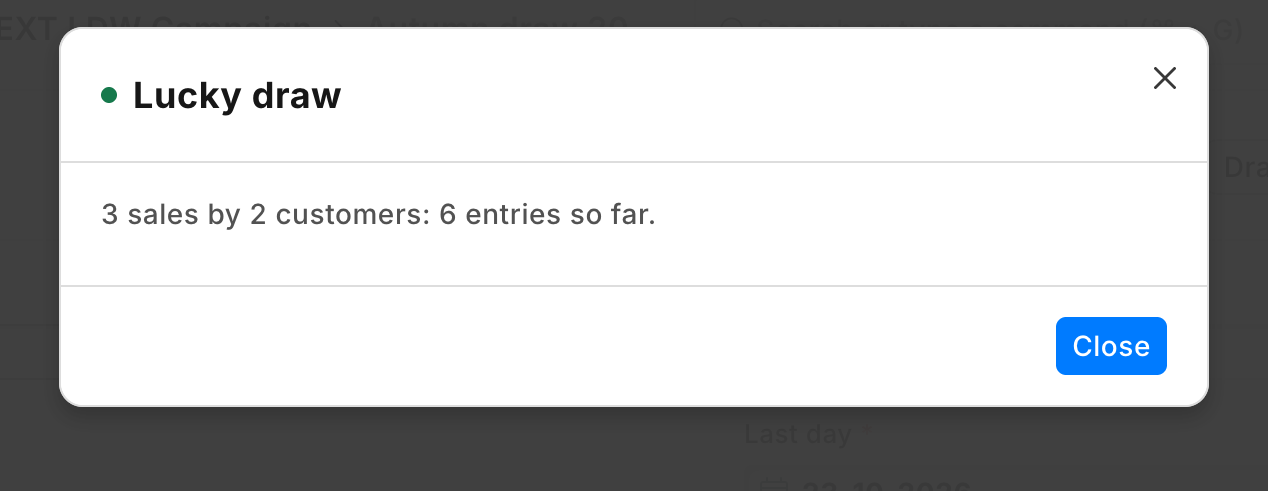
A shop-and-win campaign for the season's end: entries from what customers spend, and one fair draw.
- Set the days, the tills, the spend for one entry, the winners, the reserves and the prize.
- Count the entries at any time; returns are taken off.
- After the last day, one press draws the winners: each entry has the same chance, and a customer wins once.
A service hosted by CitiXsys in the US counts and draws; it keeps nothing.
Know where every size sits
Bin locations
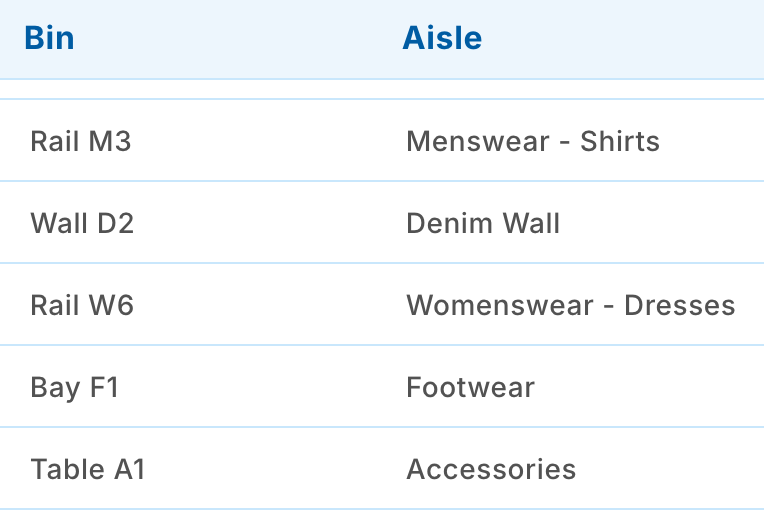
Write down where each item sits in your store, and let the cashier ask the till.
- Your locations, back room or shop floor, their aisles, their bins and what is in each bin.
- A default bin for each item.
- A till key, Where is it?, names the bin for each item on the sale.
Each press sends the sale, the cashier's email and the customer's name to a service hosted by CitiXsys, which reads your bins and writes nothing.
iVendNext Handheld
The back-of-store app for stock, by barcode, on a rugged handheld or a phone.
- Receive goods, move stock between stores and return to the supplier.
- Count stock and look up any item.
- Queue labels to print, and pick, pack and deliver orders.
Posts to the same stock records as the rest of iVendNext.
Buy the right sizes, protect the margin
Foresight
See what you will sell, what to reorder and how cash will move.
- Stock: predicts what each warehouse will use and drafts a purchase order when stock runs low.
- Sales: predicts what each customer will buy next and flags customers at risk of leaving.
- Cash: projects cash flow, revenue and expenses, with alerts.
Uses your own iVendNext data and no outside system. Every suggestion is a draft your team reviews.
Price-deviation audit
See every line sold below its price list by more than your threshold.
- After each sale is booked, a line charged too far below its list price is recorded, usually within a minute.
- A manager reviews them in a report, largest first, with a count.
A service hosted by CitiXsys reads each booked sale and keeps none of it. Nothing in your sales or prices changes.
Till guard rules
Checks at Pay and at the scan, in one app. Each rule is off until you set it.
- No line at a placeholder price, and no more of one item than you allow.
- A large sale is confirmed by the cashier, or approved by a manager who is not the cashier.
- When an item you ticked is scanned, the till asks your question first.
The sale is checked by a service hosted by CitiXsys, which reads your settings and writes nothing.
Refund rules
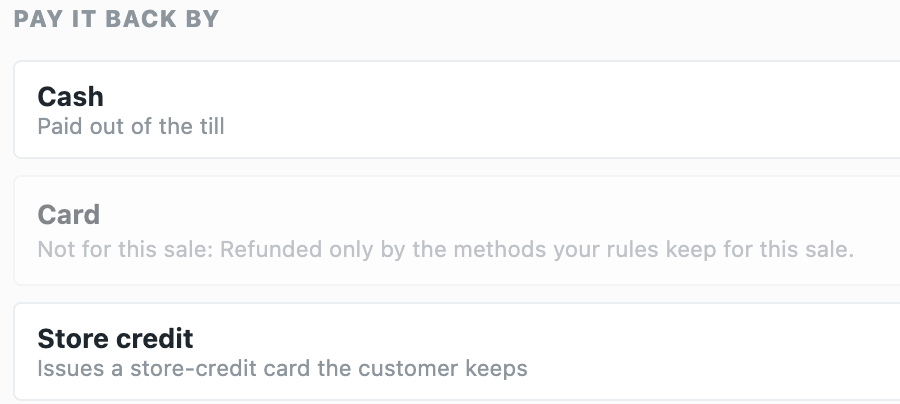
A refund goes back the way the sale was paid: a card sale to the card or to store credit, never in cash.
- At each refund, the payment methods that did not pay the sale are dimmed, with your reason.
- A return without its receipt goes back only by the methods you name, or to store credit.
- Store credit always stays, so exchanges for another size go on as before.
At each refund the sale is checked by a service hosted by CitiXsys in the United States, which reads your settings, writes nothing and keeps nothing of the sale.
Your ERP keeps the books. iVendNext runs the stores.
iVendNext connects to SAP Business One, SAP S/4HANA, Acumatica, NetSuite and Sage X3. Any other ERP, a regional one included, your partner connects with the iVendNext partner kit.
SAP Business One
Customers, suppliers, products, price lists and warehouses kept in step; your stores' sales, returns and transfers posted to SAP Business One. In production.
Acumatica
Items arrive from Acumatica with their size and colour grids, with prices, vendors and customers; your stores' sales, returns and tenders go back.
SAP S/4HANA, NetSuite and Sage X3
Your stores on iVendNext, your books on SAP S/4HANA, NetSuite or Sage X3, kept in step.
Any other ERP
A regional or industry ERP, connected by your partner with the iVendNext partner kit.
Build your own, or have it built
Build your own
Need an alterations ticket, made-to-measure orders or your own buying screens? Your iVendNext partner, or your own developers, can build it on the same open kit our apps use, and the app they build sits in your iVendNext beside ours.
Find a partner
An iVendNext partner near you can set up your stores, your sizes and colours and your apps, and support it day to day.
The library keeps growing
New apps for apparel and footwear stores arrive in the App library as iVendNext and its partners publish them. Anything else, your partner or your own team can build with the iVendNext partner kit.
Talk to us about your fashion stores
We will show you the till and the apps on your own products, and the iVendNext partner who can set them up near you.
Schedule a demo · How it works
Building retail solutions for fashion retailers? Talk to our partner team.
Guides for fashion and footwear stores
As of 24 October 2026. Every app on this page is available today.
