
Financial Management
ONE SET OF BOOKS
ONE SET OF BOOKS
FOR EVERY STORE.
FOR EVERY STORE.
Connect sales, stock, purchasing, the POS and accounting, so your finance team closes the month faster and every number can be explained.
Connect sales, stock, purchasing, the POS and accounting, so your finance team closes the month faster and every number can be explained.
Inside Financial Management
Everything your finance team needs to close the month
Accounting, sales, stock and buying work on the same books as your stores. Each part is built for the pace of retail.
Finance and accounting
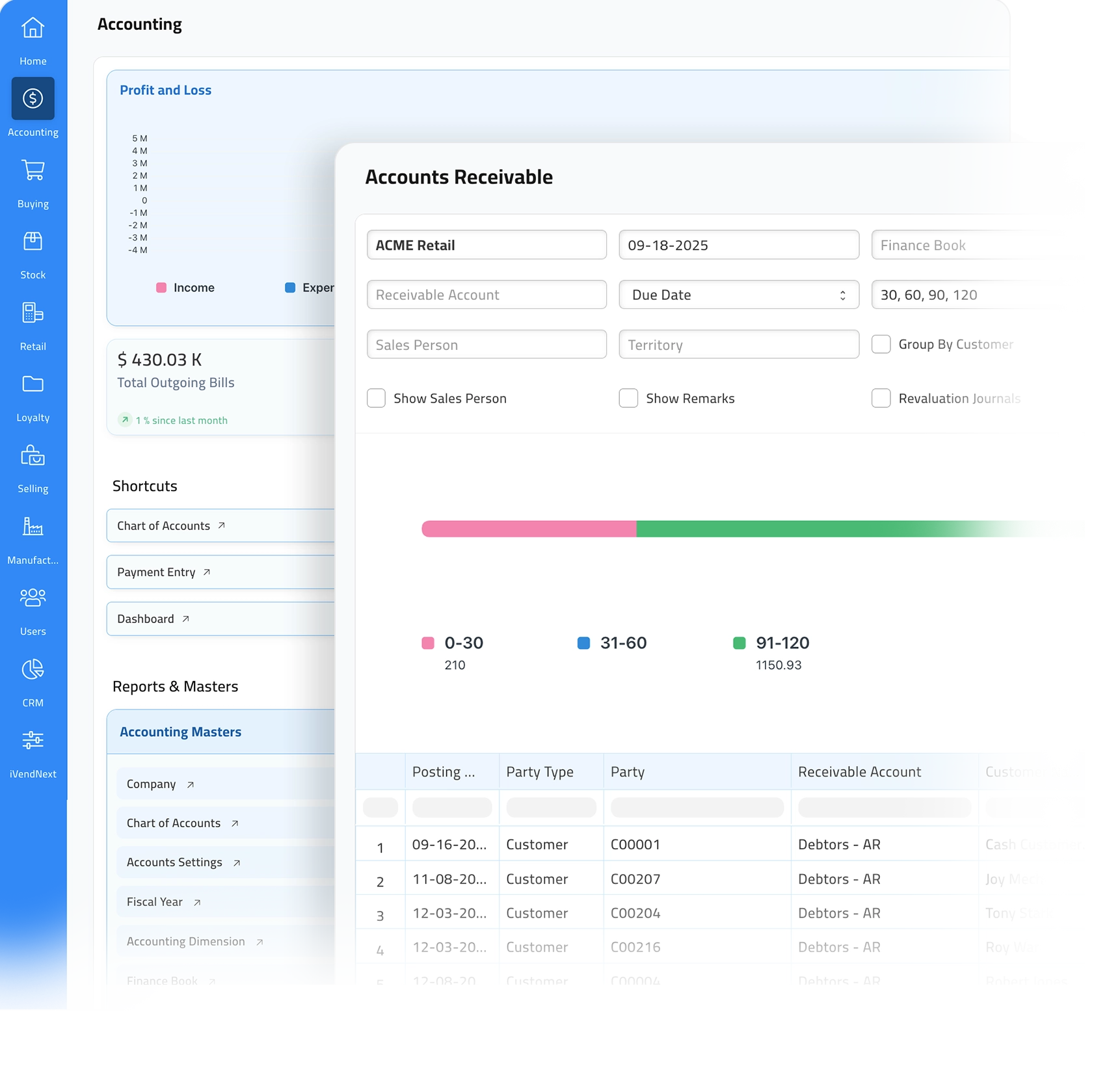
Keep one general ledger for payables, receivables, bank, tax and financial statements. Approvals and reconciliations help you close faster, and you can open any figure to see where it came from.
Set posting rules, match bank lines and trace every amount back to its source. Month-end is calmer, and when an auditor asks a question, the proof is one click away.
Journal approvals that stop wrong postings
Bank statement import and matching
Profit and loss, balance sheet and cash flow on demand
Sales

Move from quote to order to delivery to invoice without retyping. Pricing rules apply, credit checks are clear, and delivery dates are realistic, so promises are kept and cash arrives on time.
Turn approved quotes into sales orders, reserve stock, then pick, pack and ship. Invoices go out with the right tax and terms, so there are fewer disputes and payments come in sooner.
Approved quotes become accurate sales orders
Reserve, pick, pack and track shipments
Invoice from orders or deliveries, with correct tax
Inventory
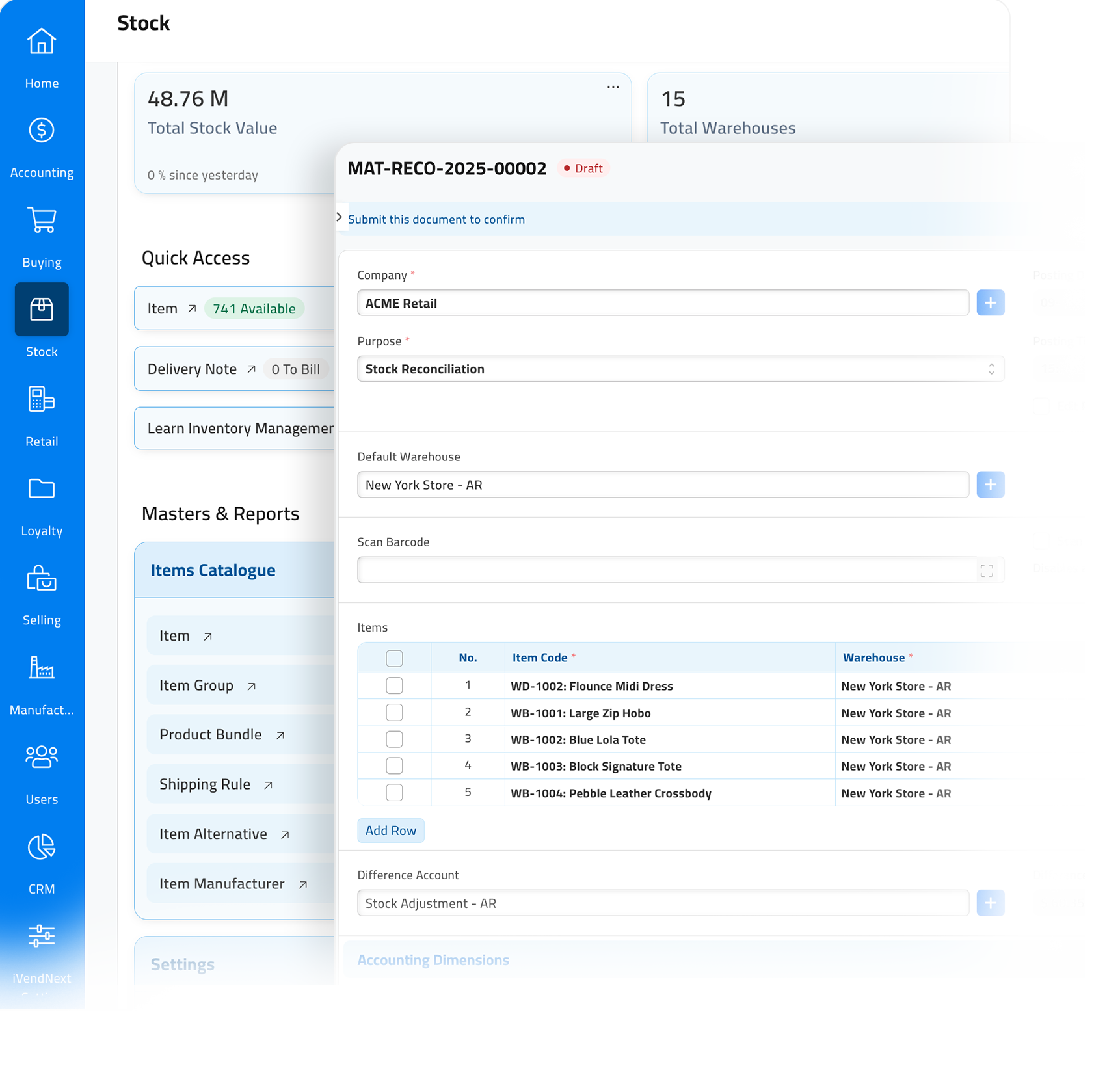
Set up each item once, track serial numbers and batches, and see stock for every site. Stock figures update as each movement is posted, so your reports match the shelf.
See what is on hand, on order and reserved in one place. When stock reaches its reorder point, a purchase request is created for you, so shelves do not run empty.
Serial numbers, batches and expiry dates
On hand, on order and reserved in one view
Purchase requests created at reorder points
Purchase
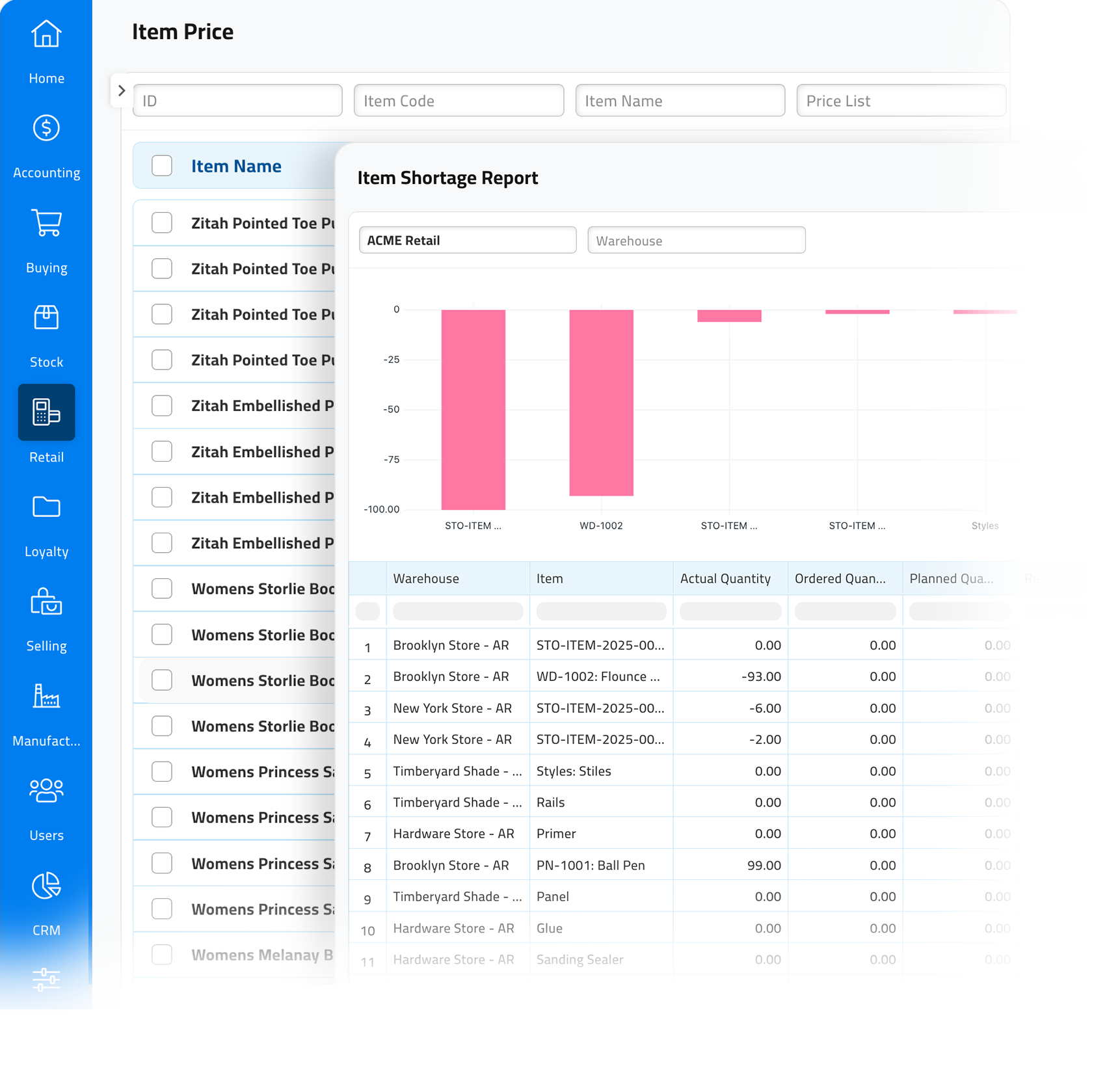
Ask suppliers for quotes, compare them side by side, issue purchase orders and check goods on arrival. Add freight and duties to get the true landed cost of every item.
Use blanket and drop-ship orders linked to demand, and spread extra charges across the items they belong to. Your margins reflect what you really paid.
Supplier quotes compared side by side
Blanket and drop-ship purchase orders
Landed cost spread across the right items
Every store sale, on the same books
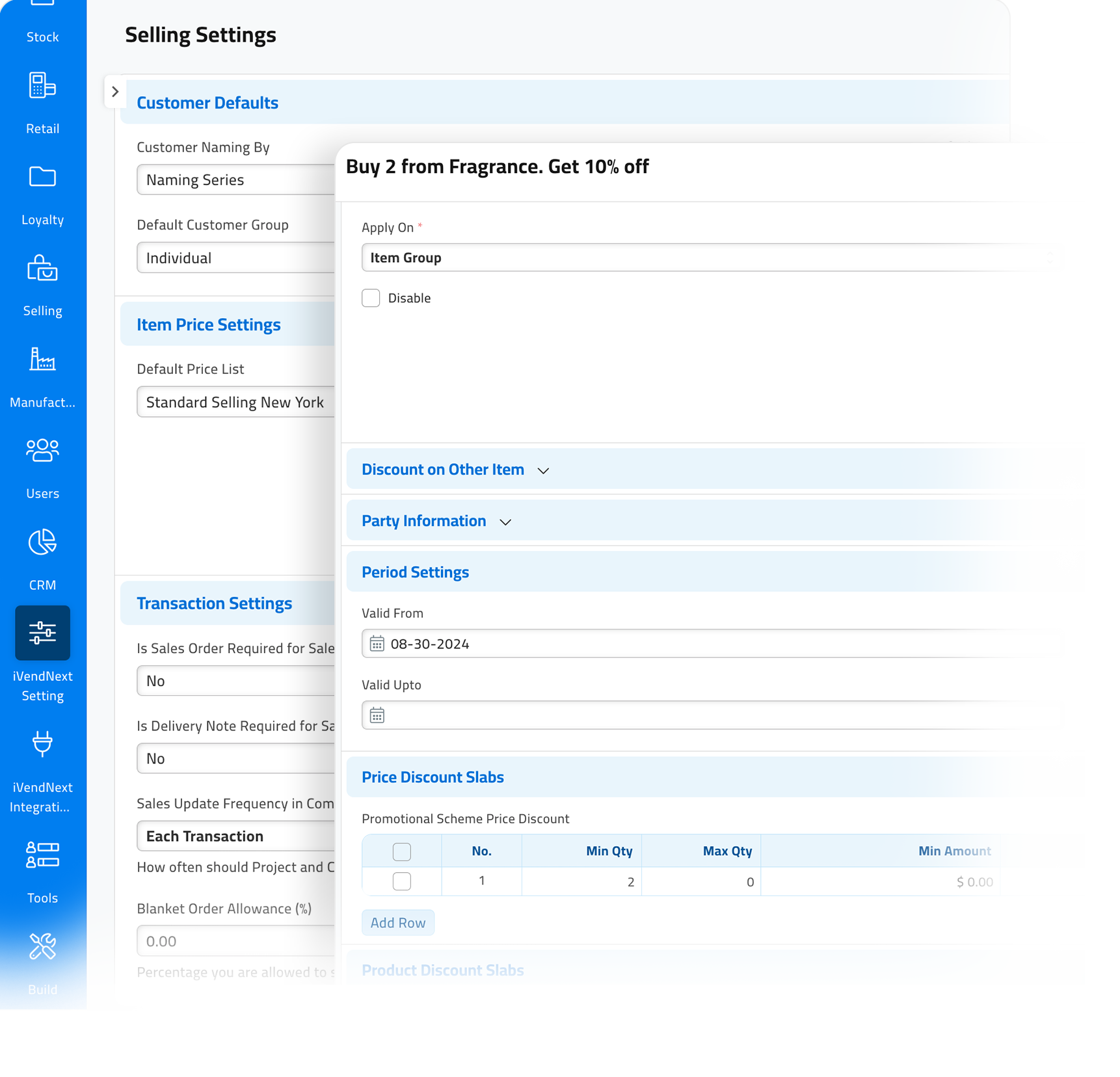
Every sale from iVendNext POS, on a till, a tablet or a phone, posts to the same books as the rest of the business. Price and tax are worked out the same way everywhere.
Store takings and payments are settled cleanly each day, so finance does not have to rebuild the day from receipts. For the store side, see POS & Mobility.
Store sales post to the same books
Clean daily settlement for finance
Explore POS & Mobility for the store side
Inside Financial Management
Everything your finance team
needs to close the month
Accounting, sales, stock and buying work on the same books as your stores. Each part is built for the pace of retail.
Finance and accounting
Keep one general ledger for payables, receivables, bank, tax and financial statements. Approvals and reconciliations help you close faster, and you can open any figure to see where it came from.
Set posting rules, match bank lines and trace every amount back to its source. Month-end is calmer, and when an auditor asks a question, the proof is one click away.
Journal approvals that stop wrong postings
Bank statement import and matching
Profit and loss, balance sheet and cash flow on demand
Sales
Move from quote to order to delivery to invoice without retyping. Pricing rules apply, credit checks are clear, and delivery dates are realistic, so promises are kept and cash arrives on time.
Turn approved quotes into sales orders, reserve stock, then pick, pack and ship. Invoices go out with the right tax and terms, so there are fewer disputes and payments come in sooner.
Approved quotes become accurate sales orders
Reserve, pick, pack and track shipments
Invoice from orders or deliveries, with correct tax
Inventory
Set up each item once, track serial numbers and batches, and see stock for every site. Stock figures update as each movement is posted, so your reports match the shelf.
See what is on hand, on order and reserved in one place. When stock reaches its reorder point, a purchase request is created for you, so shelves do not run empty.
Serial numbers, batches and expiry dates
On hand, on order and reserved in one view
Purchase requests created at reorder points
Purchasing
Ask suppliers for quotes, compare them side by side, issue purchase orders and check goods on arrival. Add freight and duties to get the true landed cost of every item.
Use blanket and drop-ship orders linked to demand, and spread extra charges across the items they belong to. Your margins reflect what you really paid.
Supplier quotes compared side by side
Blanket and drop-ship purchase orders
Landed cost spread across the right items
Every store sale, on the same books
Every sale from iVendNext POS, on a till, a tablet or a phone, posts to the same books as the rest of the business. Price and tax are worked out the same way everywhere.
Store takings and payments are settled cleanly each day, so finance does not have to rebuild the day from receipts. For the store side, see POS & Mobility.
Store sales post to the same books
Clean daily settlement for finance
Explore POS & Mobility for the store side
Your choice
Already have an accounting system? Keep it.
iVendNext works with SAP Business One, Acumatica and other systems through the Integrations Hub. Your stores run on iVendNext, and your books stay where they are.
Value Delivered
What changes for your finance team
Clear controls, faster month-ends and numbers you can trust, across every store.
Close faster
Matched bank lines, approved postings and drill-down reports cut the work at month-end and the late fixes after it.
Stock where it is needed
Up-to-date balances, shortage alerts and reorder points reduce empty shelves and overstock, store by store.
Margins you can believe
Quote comparison, approvals, checks on arrival and landed cost make every receipt clean and every margin real.
Questions
Yes. Many retailers keep the system they already use. The Integrations Hub connects it to iVendNext, so your stores and your books always match.
Yes. You can run several companies on one system, each with its own books, and report across them.
Yes. Every sale from iVendNext POS posts to the same books, with price and tax worked out the same way on every device.
Yes. Cost centers and budgets show results for each store or department, and every report lets you open the figures behind it.
Put clear controls, speed and audit-ready numbers at the center of your retail business.
